
Home/Marketplace
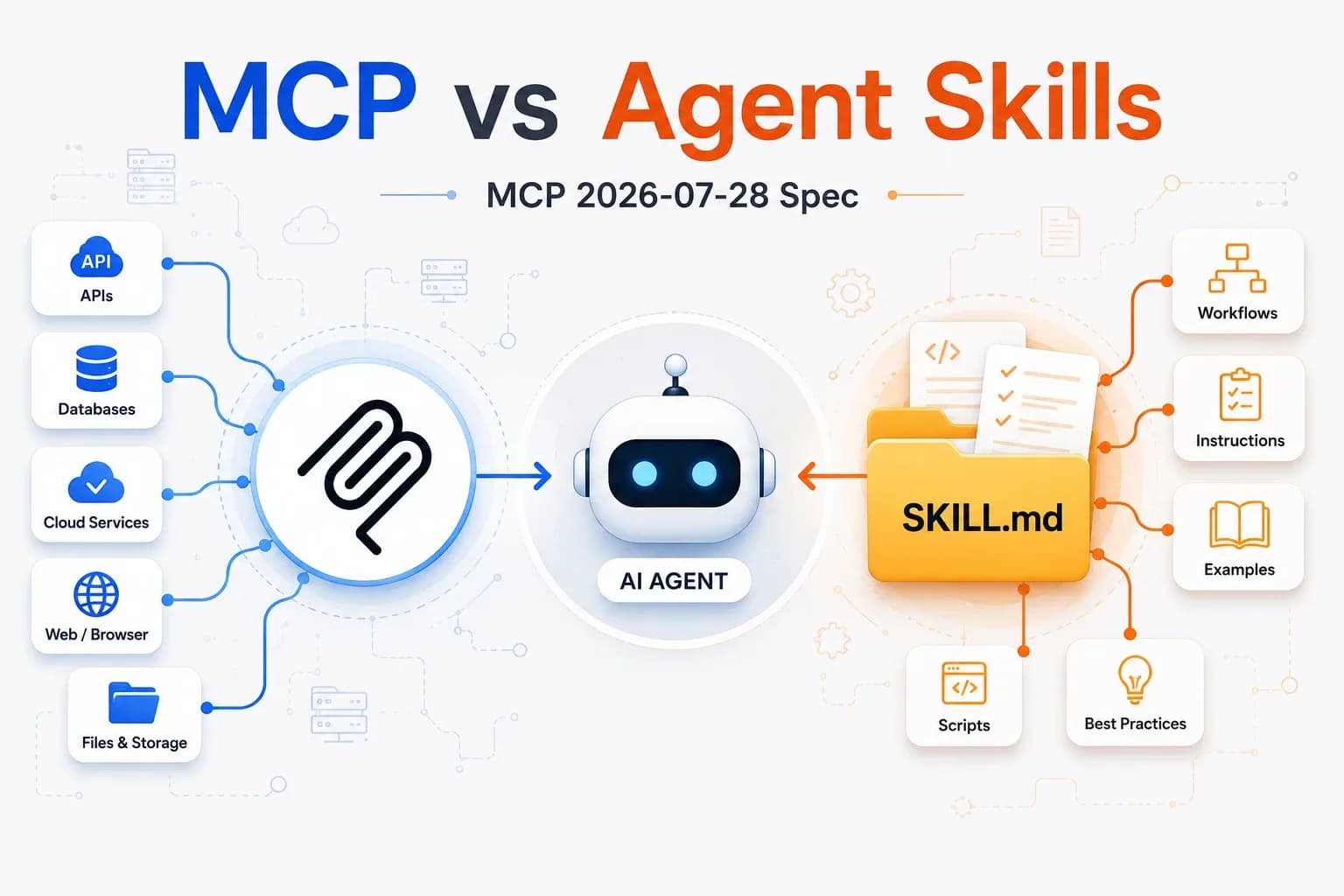
Diagram comparing MCP connectors and Agent Skills around an AI agent

Marketplace

36 resources available

MCP connectors, skills and agents

The i2Business catalog of AI resources. Filter by type or search for a keyword to find the right building block for your needs.

Swiver MCP Connector (ERP)1
i2Bi2BusinessConnect Claude to your Swiver ERP: customers, products, suppliers, invoices, quotes and payments, viewed or created in natural language. 31 tools, 5-step setup with your own API key.
FinanceMCP
Monitoring & reasoned recommendations0
i2Bi2BusinessMonitoring and decision-support agent. Use when an open business question requires gathering recent information from the web before deciding — choosing a tool or provider, responding to a competitor move…
General managementAgents
Prospect hunter2
i2Bi2BusinessIdentifies importers, distributors, wholesalers and buying groups for a product in priority countries. For the lead-finding phase of export prospecting, in any industry.
SalesAgents
Follow-up assistant1
i2Bi2BusinessSorts the organization's incoming emails (Gmail), spots key people, identifies the main recipient of each request, classifies it and creates or updates the tracking record in ClickUp. No email is sent: drafts only.
Customer servicePlugins
Customer database sync 1
i2Bi2BusinessCustomer relationship orchestrator skill: with one command or every morning, it sorts new emails, updates ClickUp tracking records, prepares draft replies and due follow-ups, then delivers a summary. Drafts only, nothing sent.
SalesSkills
Meta competitor monitoring2
i2Bi2BusinessMeta (Facebook and Instagram) ad monitoring skill based on the Meta Ads Library: your competitors' active ads, key messages, targeting, ad pressure, then an interactive HTML dashboard with recommendations.
MarketingPlugins
Social media scheduler0
i2Bi2BusinessGenerates editorial calendars and ready-to-publish posts for Facebook, Instagram and LinkedIn, tailored to your brand, industry and market. The skill first asks for your brand context and never invents products or promotions.
MarketingSkills
SEO content writer2
i2Baaron-he-zhu, via i2BusinessSEO writing skill: articles, guides, landing pages and product pages optimized for a keyword, with titles, meta description, H1-H3 hierarchy, FAQ for rich snippets and self-assessment. Third-party project under the Apache 2.0 license, in English (writes in other languages on request).
MarketingSkills

Guide

Skills, agents and MCP connectors: which one to choose?

These building blocks extend Claude, Anthropic's AI assistant. They work together: an agent can rely on a skill, which itself reads your data through an MCP connector, and a plugin bundles them into a single pack.

Skills

A ready-to-use business recipe: instructions, templates and scripts that Claude loads automatically when your request matches.

When to use it: for a repetitive task with a well-defined result (report, dashboard, email, audit).

Install

  1. Download the .zip file.
  2. Claude (web or desktop): Settings → Capabilities → Skills → “Upload skill”.
  3. Claude Code: unzip it into ~/.claude/skills/.

Test

Make a request that matches the skill's description: Claude says it is using it. In Claude Code, you can also type /skill-name.

Agents

A specialized autonomous assistant that chains research and actions over several steps, then hands you a report.

When to use it: for an open-ended mission that requires exploring, comparing and reasoning before concluding.

Install

  1. Download the .md file.
  2. Copy it into ~/.claude/agents/ (Claude Code).
  3. Restart the session, then type /agents to see it listed.

Test

Ask “use the <name> agent to…” with a short task and check the report.

MCP

A connector that gives Claude secure access to your tools and data: ERP, email, payroll…

When to use it: when Claude needs to read or update your business data rather than files uploaded by hand.

Install

  1. A consultant sets up the access and permissions with you.
  2. Claude: Settings → Connectors → “Add custom connector”.
  3. Claude Code: the claude mcp add command.

Test

Ask a question that requires your data: Claude should call the connector and cite what it retrieved.

Plugins

A ready-to-install pack that bundles several agents and skills around the same business function.

When to use it: to equip Claude with a complete set in a single install, especially in Cowork.

Install

  1. Download the .zip file.
  2. Cowork (Claude desktop): import the .zip from plugin management.
  3. Claude Code: unzip it, then use /plugin to add it (or copy the agents/ folder into ~/.claude/agents/).

Test

Make a request that matches one of the pack's agents: Claude says it is using it.

Requirements: a Claude account (Pro, Max, Team or Enterprise plan) or Claude Code. Resources are provided as is; always review what a skill or an agent produces before sending or using it.

Can't find the right resource?

Our consultants build custom connectors and agents for your business context.

Talk to a consultant