Home/Training/Agentic AI × Excel for Executives
i2Business training session
4 daysIA-240In-houseTFP-eligible (Tunisia)

Agentic AI × Excel for Executives

From spreadsheet to living dashboard, with Excel as the common thread.

This course takes executives from basic Excel use to agentic Excel: an AI-augmented Excel that analyzes, automates and supports decisions. Participants master the full chain: advanced AI-generated formulas, dashboards, VBA macros dictated in plain language, cross-analysis with NotebookLM and building business tools through Vibe Coding.

The focus is strictly on decision-making, not office productivity: the course is hands-on, run on your own files and business data, with no code and in plain language. Everyone leaves with an Excel × AI action plan to roll out the following week.

(+216) 36 361 552
Agentic AI × Excel for Executives
Duration4 days
Schedule08h30 – 14h30; the last day ends at 15h00
AudienceCEOs, managing directors and managers
FormatIn person, group limited to 12 participants
PrerequisitesEveryday Excel use (data entry, basic formulas, simple tables). No programming or AI skills required
ValidationCertificate of training
TFP funding: how does it work?

Detailed syllabus

4 days, 10 modules, 3 workshops

Each day combines core concepts in the morning with hands-on practice on your own use cases in the afternoon.

Day 1 — Generative AI foundations and smart Excel

08h30 – 09h00Module 1
Agentic AI, the new paradigm
  • Conversational AI vs agentic AI: why everything changes in 2026.
  • Understanding AI agents: systems that reason, plan and carry out complex tasks autonomously; the context window.
  • Understanding AI risks: hallucination and context window degradation.
09h00 – 11h00Module 2
Prompt engineering: talking to AI so it acts
  • Why a good prompt changes everything: before/after comparison on real Excel cases.
  • The RCTFE method: Role, Context, Task, Format, Example.
  • Prompting techniques: few-shot, chain of thought, knowledge base, persona, reverse prompting, tree of thought.
11h00 – 11h20Break
Coffee break
11h20 – 13h30Module 3
Claude: a complete hands-on introduction
  • Claude's modes: chat, cowork, agent and design; creating projects.
  • Differences between the Haiku, Sonnet and Opus models.
  • Understanding MCP (Model Context Protocol) and Skills, without technical jargon.
  • Using Claude with Chrome and integrating it with Excel.
13h30 – 14h30Workshop
My first Claude × Excel exercise
  • Auditing a financial file, building pivot tables, creating forecast files.
  • Finance: analyze a quarterly Excel report, generate a one-page summary and formula-based warning signals.
  • Marketing: process a campaign data export (CSV/Excel) and identify the 3 levers for improving ROI.
  • HR: analyze a talent tracking file, produce a map of skills and hiring needs.
  • Operations: clean an inventory file and generate a stock-out dashboard with Claude Cowork.

Technologies & platforms

The tools you'll work with

Each platform is used live during the workshops, on your own use cases. No technical prerequisites required.

Advanced Excel + AIDays 1 to 3Formulas, pivot tables, dashboards and conditional formatting generated with AI.
ClaudeDay 1 · Modules 2 and 3Prompt engineering, Haiku, Sonnet and Opus models, projects, integration with Excel and Chrome.
Claude CoworkDay 2 · Module 4Skills, Markdown files, live artifacts and data-processing workflows.
VBA and AI-built macrosDay 3 · Module 8Macros dictated in plain language, tested and secured; introduction to Office Scripts.
NotebookLMDay 4 · Module 9Combine your Excel data with external sources to produce decision briefings.
Vibe CodingDay 4 · Module 10Calculators, forms and apps connected to your data: Claude Artifacts, Lovable, Bolt, v0.

Your trainer

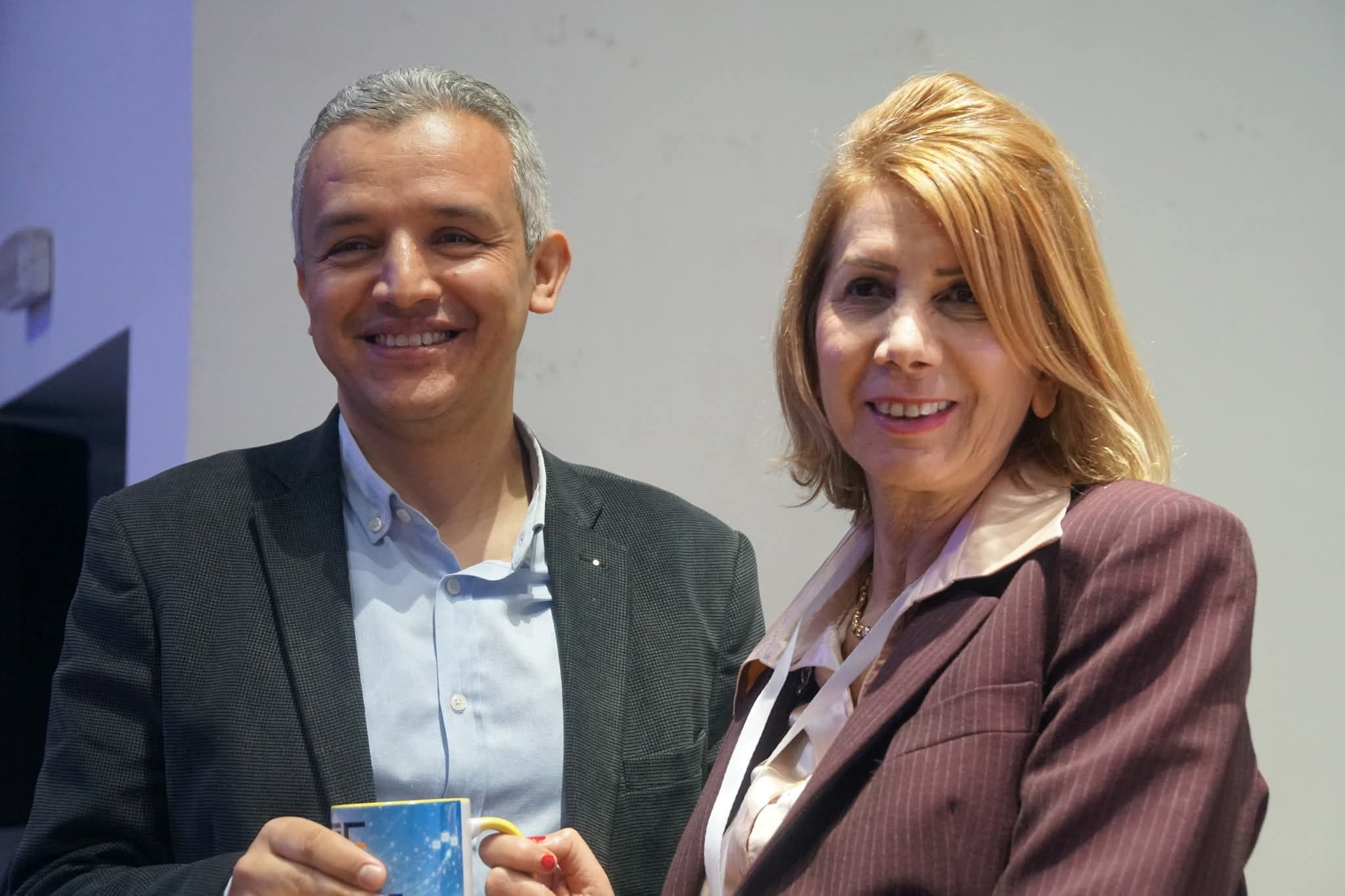
Portrait de Mohamed Kais Khenine, fondateur et formateur i2Business
Mohamed Kais Khenine, MBA
Senior Consultant & Trainer in AI, Digital Transformation & Digital Marketing

The course is led by a consultant who designs and deploys AI agents connected to our clients' business systems every day. Demos are run live, on production tools, under real-world security, cost and compliance constraints.

Claude & Claude CoworkAgentic ExcelNotebookLMVibe CodingDecision dashboards

Funding

This course is eligible for TFP funding

Our training firm is state-approved in Tunisia (approval no. 11 1823 19), which means your company can have its training costs refunded through the TFP (Tunisia's Professional Training Tax) if it is eligible for the related tax credit.

1Eligibility checkWe confirm with you that your company is subject to TFP (Tunisia's Professional Training Tax) and that the program qualifies as an eligible expense.
2File submissionPreparing the advance or refund application: detailed program, quote, schedule and provisional list of participants.
3Course deliveryDaily sign-in sheets, learning assessment and named certificates meeting the scheme's requirements.
4Documentation and refundHandover of the closing file — invoice, attendance sheets, certificates — for the refund claim.
What we provide
  • Detailed hour-by-hour training program
  • Named quote and compliant invoice
  • Attendance sheets signed per half-day
  • Learning assessment at the start and end of the course
  • Individual certificates of completion
Questions about eligibility? Call us directly.(+216) 36 361 552

Book a session

Public session or in-house training at your premises, tailored to your processes. We'll get back to you within 24 business hours with a proposal and the TFP paperwork.

(+216) 36 361 552