Marketplace
36 resources availableThe i2Business catalog of AI resources. Filter by type or search for a keyword to find the right building block for your needs.
No resource matches your search. Try “MCP”, “prompt” or “agent”.
Guide
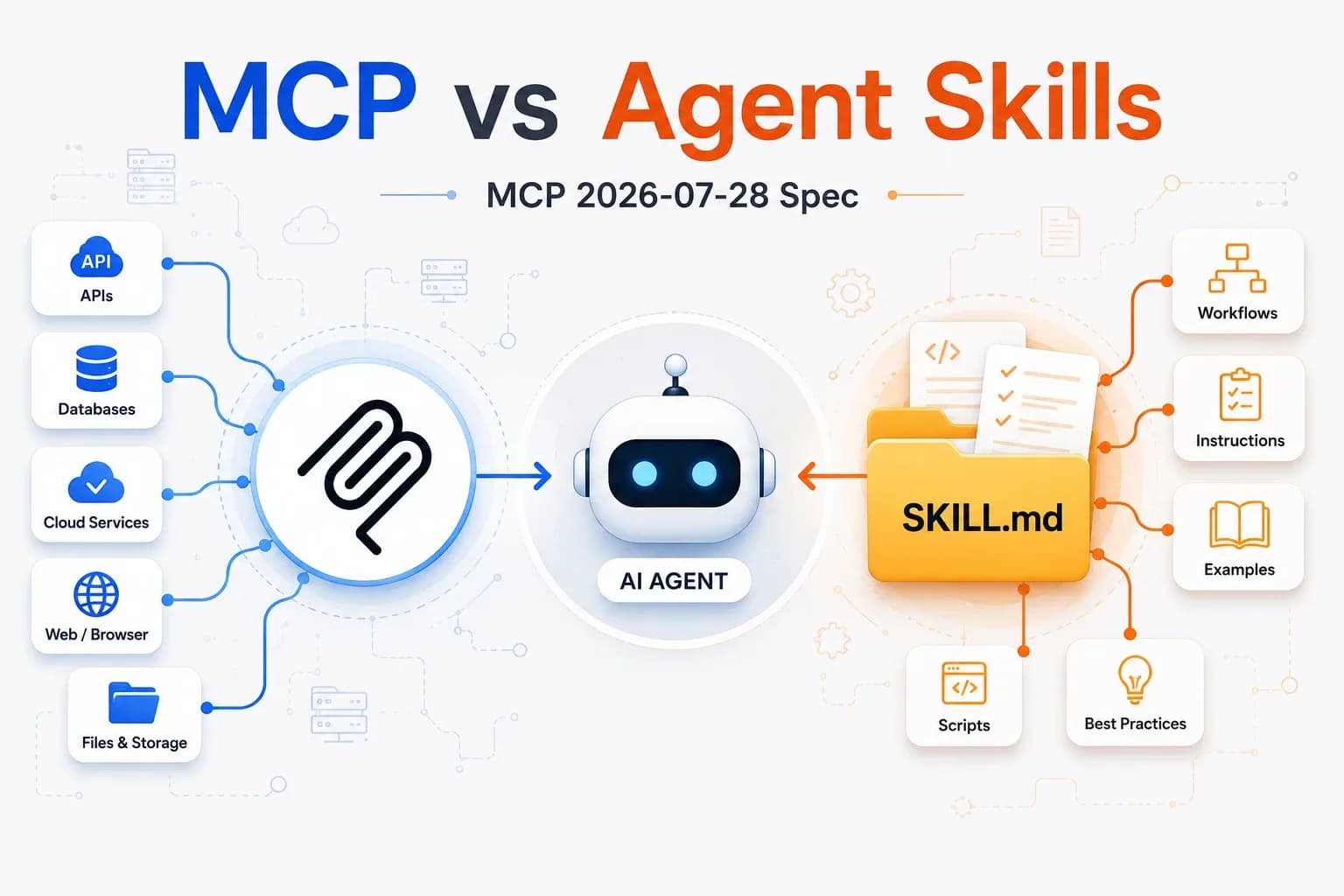
These building blocks extend Claude, Anthropic's AI assistant. They work together: an agent can rely on a skill, which itself reads your data through an MCP connector, and a plugin bundles them into a single pack.
A ready-to-use business recipe: instructions, templates and scripts that Claude loads automatically when your request matches.
When to use it: for a repetitive task with a well-defined result (report, dashboard, email, audit).
Install
Test
Make a request that matches the skill's description: Claude says it is using it. In Claude Code, you can also type /skill-name.
A specialized autonomous assistant that chains research and actions over several steps, then hands you a report.
When to use it: for an open-ended mission that requires exploring, comparing and reasoning before concluding.
Install
Test
Ask “use the <name> agent to…” with a short task and check the report.
A connector that gives Claude secure access to your tools and data: ERP, email, payroll…
When to use it: when Claude needs to read or update your business data rather than files uploaded by hand.
Install
Test
Ask a question that requires your data: Claude should call the connector and cite what it retrieved.
A ready-to-install pack that bundles several agents and skills around the same business function.
When to use it: to equip Claude with a complete set in a single install, especially in Cowork.
Install
Test
Make a request that matches one of the pack's agents: Claude says it is using it.
Requirements: a Claude account (Pro, Max, Team or Enterprise plan) or Claude Code. Resources are provided as is; always review what a skill or an agent produces before sending or using it.
Our consultants build custom connectors and agents for your business context.